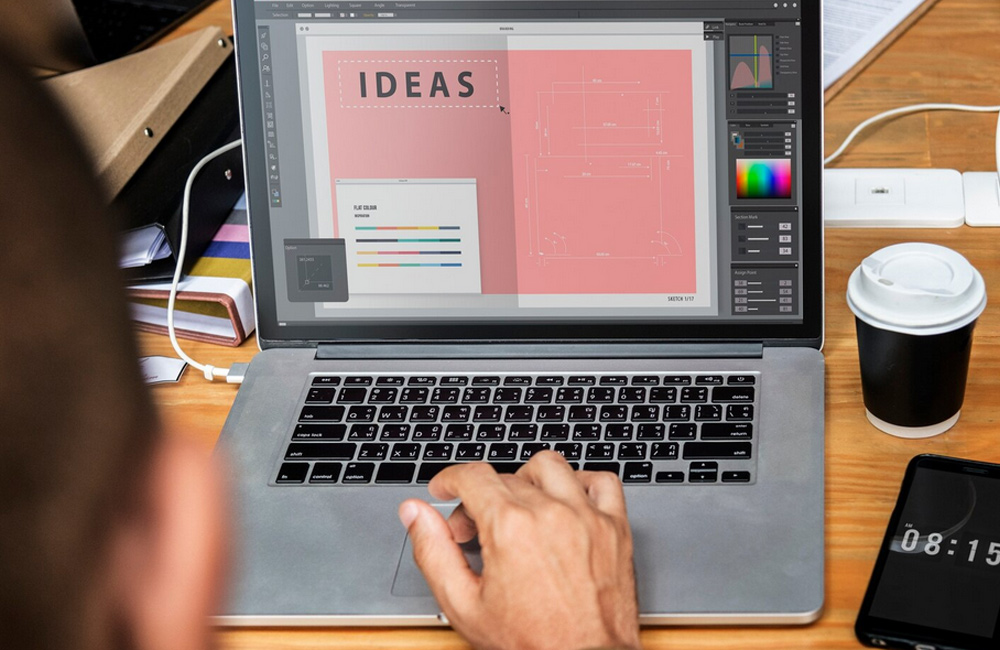
As a freelance creative, you juggle many roles: designer, strategist, project manager, bookkeeper. You don’t need a full-fledged agency for this—but a smart set of tools can be a huge help. Below, you’ll find tried-and-true tools that make your day-to-day easier, free up your time, and help you focus your creative energy on what matters most.
1. Project & Task Management
When you have multiple clients, projects, or deadlines, keeping track of everything is worth its weight in gold. Tools like Trello—based on a visual board system—are excellent for organizing tasks, phases, and client projects. Notion and ClickUp also offer all-in-one workspace features—ideal for notes, project histories, content, and client information.
2. Creative Tools for Design & Content
Your work is primarily visual—that’s why you need tools that support your style.
- Canva: Ideal for quickly creating eye-catching graphics, social media posts, and presentations—even for non-designers.
- Adobe Creative Cloud (Photoshop, Illustrator, etc.): The standard for sophisticated design.
- Procreate (for iPad): A must-have if you create illustrations or free-form art.
3. Bookkeeping, Invoicing & Time Management
Being creative is great—but numbers are part of the job, too. Tools like Wave or FreshBooks help you write invoices, track expenses, and prepare taxes. And don’t forget: tracking your time. A tool like Toggl Track shows you how much time you actually spend on clients, ideas, or internal projects.
4. Communication & Client Support
Clear communication is crucial, especially for small agencies or solo studios. Tools like Slack or Zoom enable direct and professional communication with clients. And for quick explanations: Loom offers video tutorials and saves you from sending lots of emails.
5. Website, Portfolio & Visibility
Your website is often your calling card. Tools like Webflow or Squarespace offer creative freedom without a lot of coding. And don’t forget: Your portfolio should be designed to reflect your brand—not just showcase your work.
6. Content & Marketing
Being visible also means delivering content—blog posts, social media posts, newsletters. Tools like Hemingway Editor or Grammarly help you make your writing clear, readable, and professional.
7. Keep It Minimalist—Avoid Tool Overload
Many tool recommendations can quickly make you want "just one more tool." But scattered tools can slow down your workflow. A Reddit user sums it up well: "Honestly, people don’t understand, but I prefer ‘all-in-one’ tools … It’s too much work managing subscriptions for a website, CRM, and email marketing. So choose wisely: Which tools support your brand, your processes, and your energy—and which ones distract you?
Conclusion
As a freelancer in the creative field, it’s not about having every new piece of software—but rather the tools that support your vision, strengthen your brand awareness, and make your day-to-day life easier. When you bring clarity, structure, and quality to your workflow, your freedom increases—and your focus can return to where it belongs: on your creative work.
Image: freepik.com