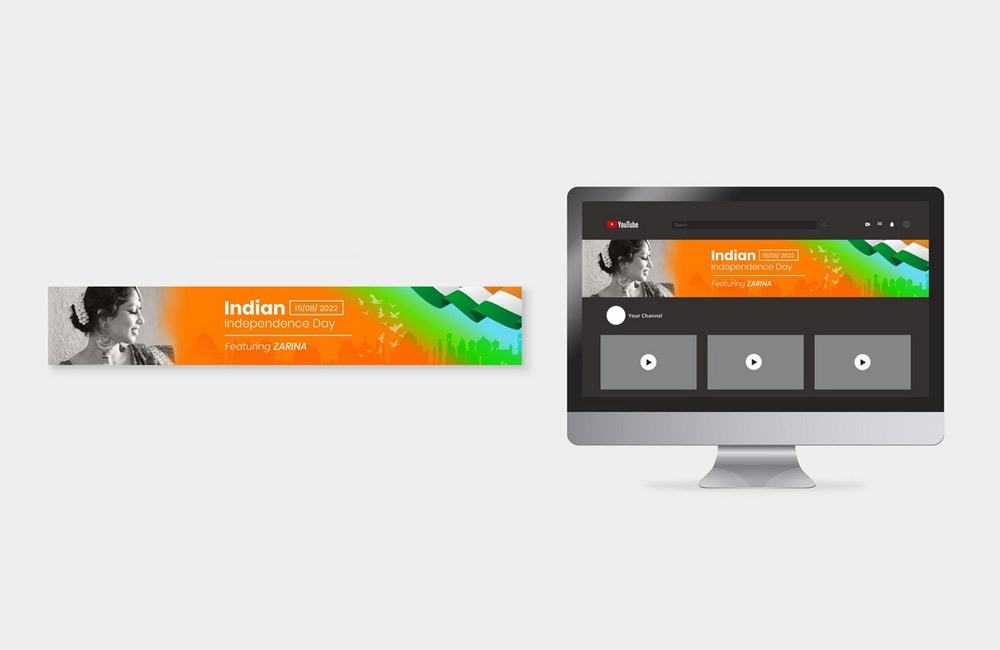
The header is the first thing visitors see on your website—and often the last thing they see before deciding whether to stay or leave. A strong header can make the difference between “clicking through” and “bouncing.” It’s your first visual impression and should immediately convey clarity about your brand and what you offer. A well-designed header sparks interest, builds trust, and encourages visitors to stay on the page. Users often decide within a few seconds whether they find your site relevant—and the header’s design plays a key role in this.
1. Clear Structure and Recognizability
Your header should immediately make it clear who you are and what you offer. The logo should be placed on the left, and the navigation bar in a clearly visible spot. Keep everything clear, consistent, and true to your brand—this builds trust and provides guidance. A clear hierarchy, easy-to-read fonts, and appropriate colors ensure that visitors can quickly find their way around. Brand recognition in the header helps users remember you longer and increases brand loyalty.
2. A compelling headline or USP
A short, pithy sentence above your header image or next to your logo can make all the difference. Describe in just a few words what makes you unique or what problem you solve. This way, visitors immediately understand why they should stay. A strong headline can also serve as a key message that appears consistently across all pages. It should appeal to emotions, clearly convey the benefits, and spark curiosity.
3. Place the Call-to-Action (CTA) in a visible spot
A clear call to action—such as “Contact Us Now” or “Free Initial Consultation”—should be clearly visible in the header. Ideally, place it in the top-right corner or as a button in the hero section. Avoid too many CTAs, as they can be distracting. The CTA should directly communicate the benefit and motivate visitors to take the next step. Color, size, and shape also play a role in ensuring it immediately catches the eye and is clickable.
4. Hero section with emotion and relevance
Use a strong, authentic image or a short video in the header area. It should evoke emotions and resonate with your target audience. Stock photos that are too generic often seem interchangeable—real images that bring your brand to life are better. A hero section can also be combined with compelling text to convey key messages immediately. Dynamic elements such as subtle animations or a short storytelling video further increase attention.
5. Responsive and Minimalist
Your header must work on every device—from desktop to smartphone. Ensure clear typography, sufficient contrast, and simple navigation. Less is often more here: A clean header makes your message more impactful. A minimalist design reduces distractions and directs focus to the most important content. Mobile users especially benefit from clear structures and fast loading times in the header area.
6. Bonus: Sticky Headers for Better Usability
A “sticky header” that remains visible while scrolling can improve user-friendliness. Visitors can return to the navigation at any time—especially helpful on long pages or blogs. Sticky headers improve navigation and ensure that important CTAs remain accessible at all times. They contribute to a professional appearance and increase interaction on the website.
Conclusion
A well-designed website header is much more than just a headline with a menu. It’s your digital first impression—your brand’s calling card. With a clear structure, emotional design, and targeted calls to action, you create navigation, trust, and attention. Visitors are guided directly to relevant content, which increases the conversion rate. A professionally designed header combines design, branding, and user guidance into an effective tool for your online success.
Image: freepik.com