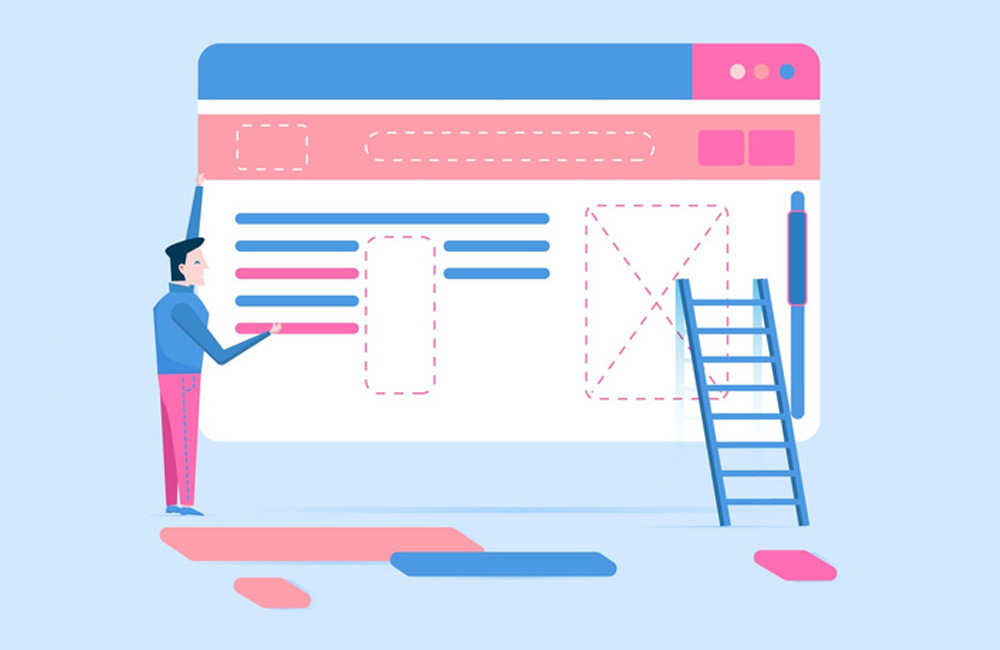
A well-structured website helps visitors find content quickly and supports search engines in indexing it. Clear structures are the foundation for a good user experience and better visibility in search results. This guide shows you the most important steps for organizing your content logically and presenting it in a user-friendly way.
1. Create Clear Navigation
Navigation is the backbone of your website. Use only a few main categories to make it easier for users to find their way around. Menu items should be precise, short, and easy to understand. If you have many subpages, use dropdown menus or subcategories. Breadcrumb navigation also helps clarify the hierarchy of the pages and makes it easier for users to find their way back.
2. Use a heading hierarchy
Structured headings are essential—both for readers and for search engines. Use only one H1 per page for the main title. H2 and H3 headings logically subdivide topics and create visual order. This helps search engines understand your content and helps readers find their way around more quickly. A clear structure also conveys professionalism and trust.
3. Organize content logically
Always start with the most important information. Visitors want to see right away what your content is about. Then follow details, examples, or additional information. A clear structure with paragraphs, bullet points, and images makes the text easier to digest. This creates a natural flow that keeps users on your page longer—and that has a positive effect on your search rankings.
4. Incorporate internal links
Internal links are like little signposts throughout your website. They connect thematically related pages and show visitors where they can learn more. At the same time, they boost SEO, as search engines can better recognize the relevance of your pages. Place links naturally within the body text—they should genuinely help the user, not just serve the search engine.
5. Mobile-First and Responsive Design
More than 70% of users browse on mobile devices today—that’s why your website should be optimized for smartphones first. A responsive layout ensures that content remains readable on all screen sizes. Regularly test whether buttons, navigation, and text sizes work properly even on small displays. A mobile-friendly site is favored by Google and ensures a better user experience.
6. Clear Calls to Action (CTAs)
Every page should have a clear goal. Whether it’s getting in touch, signing up for a newsletter, or purchasing a product—CTAs direct the visitor’s focus toward the desired action. Formulate them actively ("Get Started Now," "Learn More") and place them where they’re clearly visible. By using color contrasts and repeating them at the end of long texts, you can increase the click-through rate and conversion.
7. Visual Hierarchy and Design
Good design guides the eye. You can use colors, spacing, icons, and typography to direct attention strategically. Important elements are emphasized, while secondary details recede into the background. Consistent design elements build trust and clarity. A clean visual hierarchy helps users navigate intuitively—without having to think.
8. Consider SEO Optimization
A clear structure is also part of SEO. Use clean URLs, semantic headings, and internal links. Incorporate keywords naturally into text and titles, but without forcing them. Organize content into topic clusters—this improves your site’s thematic depth. When users can navigate your site easily, search engines reward this with better rankings.
Conclusion
A good website structure is more than just technology—it’s communication. It brings together content, design, and user guidance into a harmonious whole. Combining structure with strategy ensures satisfied visitors, lower bounce rates, and better rankings. Start small, regularly review the user experience, and continuously optimize—that’s how your site will grow organically and successfully.
Image: freepik.com